
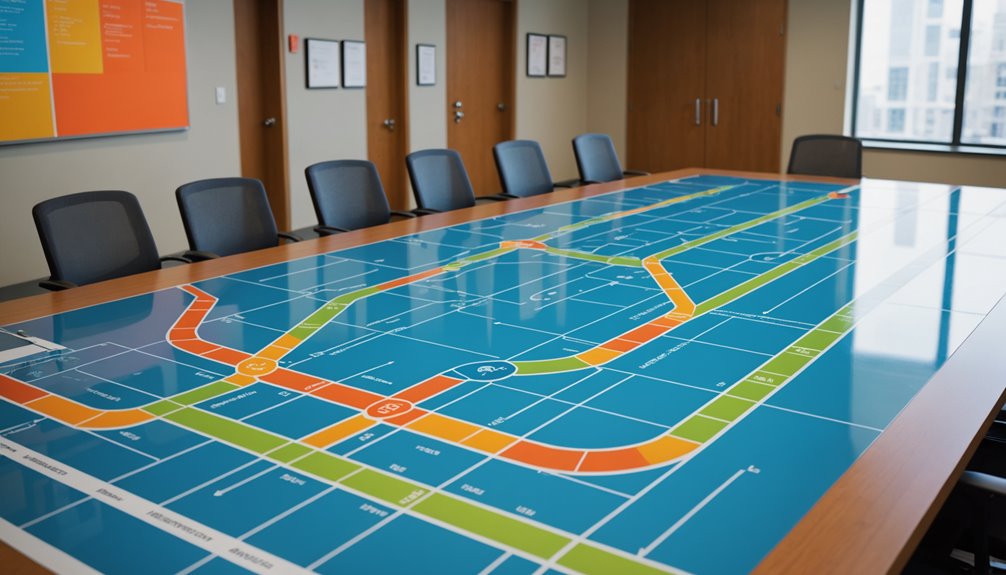
If you're looking to streamline complex processes, a Swimlane process map might be just what you need. This visual tool organizes tasks by separating them into distinct lanes for each department or individual involved. By doing this, you can clarify responsibilities and improve communication within your team. But what are the specific components that make up a Swimlane map, and how can you create one effectively?
A swimlane process map visually organizes complex workflows by separating tasks into lanes for each department or individual, clarifying responsibilities and improving team communication. Key components include lanes, process steps, arrows, and decision diamonds, which together help identify inefficiencies and enhance operational understanding.
What Is a Swimlane Process Map?

A Swimlane Process Map is a powerful visual tool that organizes complex processes into clear, manageable sections.
By dividing tasks into lanes, it helps you identify who's responsible for each part of the process. You'll find it easier to spot inefficiencies and bottlenecks since each swimlane represents a different team or department involved in the workflow.
This clarity enables better communication and collaboration among team members, keeping everyone aligned on their roles. When you visualize your process this way, it becomes simpler to analyze and improve it.
Whether you're a project manager or part of a team, using a Swimlane Process Map can significantly enhance your understanding of workflows and streamline operations.
Key Components of Swimlane Process Maps
Key components of Swimlane Process Maps are essential for creating effective visualizations of workflows.
First, you've got the lanes, which represent different departments or individuals involved in the process. These lanes help clarify responsibilities.
Next, you'll include process steps, usually depicted as rectangles, where each step is clearly defined. Arrows connect these steps, illustrating the flow of the process.
You'll also want to use decision diamonds to show where choices must be made, guiding the path forward.
Additionally, incorporating swimlane titles and legends can enhance clarity.
Finally, be mindful of colors and symbols to distinguish between various actions, making the map easier to read.
Together, these components create a comprehensive overview of complex processes.
How to Create a Swimlane Process Map

Creating a Swimlane Process Map starts with understanding the components you just learned about. First, identify the process you want to map. Gather the necessary information, including the tasks, decisions, and roles involved.
Next, choose a suitable format, either digitally or on paper. Draw horizontal or vertical lanes, each representing a specific role or department. Then, begin placing the tasks in the appropriate lanes, ensuring a logical flow from start to finish.
Use arrows to indicate the sequence of actions and decision points. Finally, review your map with the team to confirm accuracy and make adjustments as needed. By following these steps, you'll have a clear visual representation of the process.
Benefits of Using Swimlane Process Maps
Swimlane process maps offer clarity and structure, making complex processes easier to understand. By visually separating tasks and responsibilities into distinct lanes, you can quickly identify who's accountable for each step. This helps reduce confusion and ensures everyone knows their role.
You'll also find that these maps streamline communication, as they present information in an organized manner that's easy for stakeholders to digest. Additionally, swimlane maps can highlight inefficiencies and bottlenecks in your processes, allowing you to make informed decisions for improvements.
They're also versatile, suitable for various industries and project types. Ultimately, using swimlane process maps enhances collaboration, boosts productivity, and leads to smoother workflows. So, consider incorporating them into your process management toolkit!
Common Mistakes to Avoid

While using swimlane process maps can greatly enhance your workflow, several common mistakes can undermine their effectiveness.
One key mistake is overcomplicating the map with too many lanes or steps, making it hard to follow. Stick to essential processes to keep it clear.
Another pitfall is failing to involve all stakeholders; without their input, important details might be overlooked.
Additionally, neglecting to update the map can lead to outdated information, which confuses team members.
Lastly, avoid vague labels; be specific so everyone understands their roles and responsibilities.
Real-World Applications of Swimlane Process Maps
To maximize the benefits of swimlane process maps, understanding their real-world applications can help you see their true value.
In project management, you can use these maps to clarify roles and responsibilities, ensuring everyone knows their tasks. They're also great for streamlining workflows in customer service, allowing you to identify bottlenecks and improve response times.
In healthcare, swimlane maps can illustrate patient journeys, enhancing communication among medical staff. Additionally, in software development, they help visualize the development process, making it easier to spot inefficiencies.
Conclusion
In conclusion, a Swimlane Process Map is an invaluable tool for organizing and improving complex processes. By clearly defining roles and responsibilities, you can enhance communication and collaboration within your team. Remember to avoid common pitfalls and focus on the key components to create an effective map. Whether you're streamlining workflows or identifying bottlenecks, Swimlane maps can lead to significant improvements in efficiency and clarity in various real-world applications. Embrace this method, and watch your processes thrive!